Federated
Delete A Nextcloud Talk Conversation's Photo
"How Do I ...?" Getting Things Done
nextcloud-talk
philip
August 7, 2025, 8:00pm
1
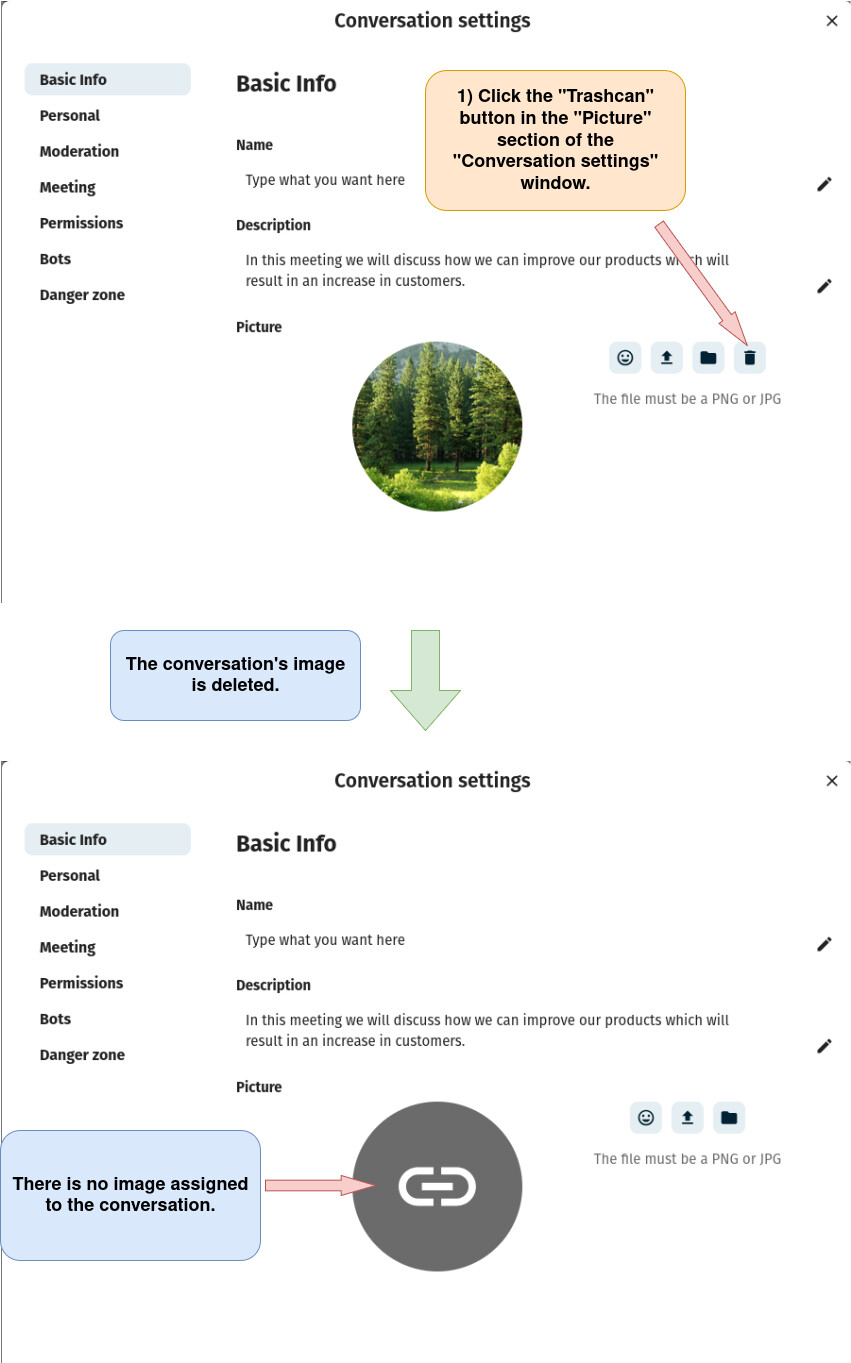
Delete A Nextcloud Talk Conversation’s Photo
1) Log in to Nextcloud.
2) Navigate to Nextcloud Talk as described
here
.
3) Open the “Conversation settings” window as described
here
.
4) Delete the conversation’s photo.
image
851×1363 121 KB