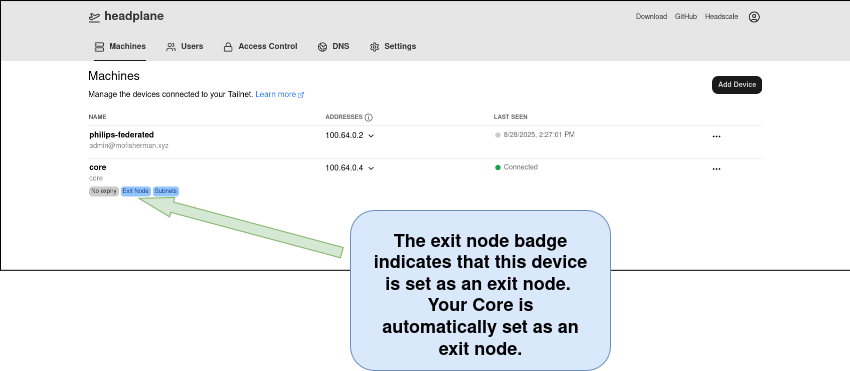
Since I got into the headscale admin page I can no longer see or choose core as the exit node. All I can see is my two devices (two computers). Doesnt matter if I log in with my admin@yadyadayada.domain or as an individual user. There is no core to use as an exit node and my real ip still shows.
What I’m trying to do is to access my stuff on core while using the core as an exit node.
But with headscale turned on it wont show my element, nextcloud, email, etc.
I turn off headscale and everything shows up again.
I probably should’ve just left it alone, lol.